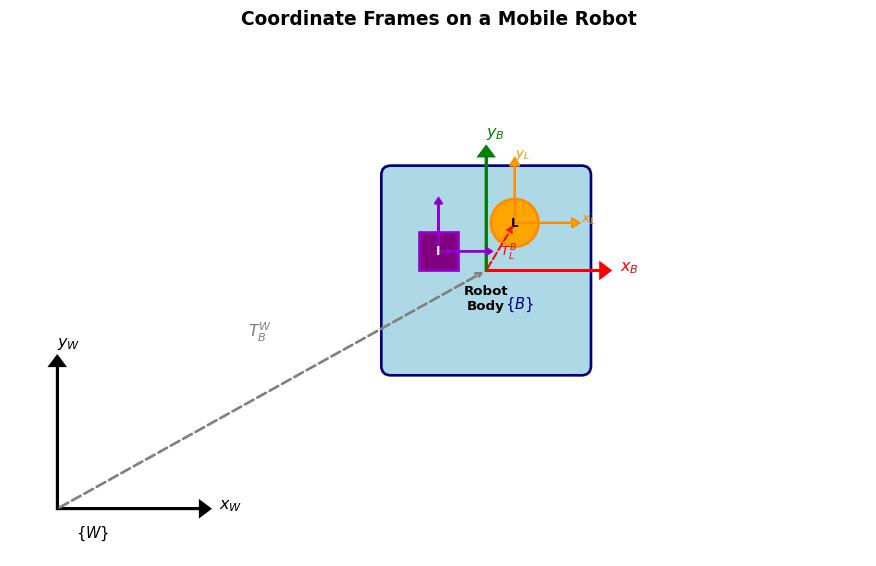
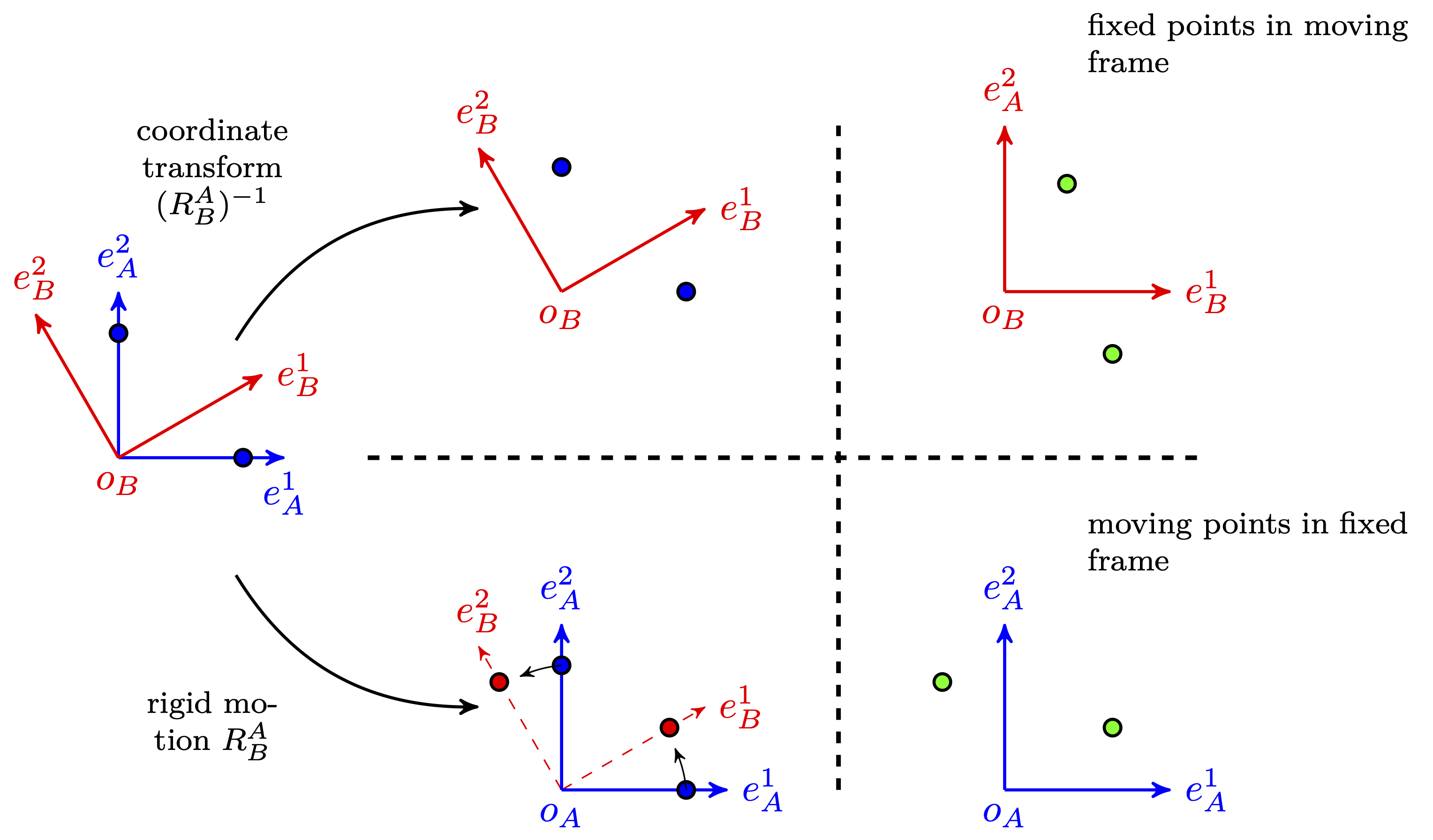
The transformation between rigidly mounted sensors is constant:
\(T_{L}^{B}\): LiDAR pose relative to body frame
\(T_{I}^{B}\): IMU pose relative to body frame
These are determined by extrinsic calibration:
Measure physical offsets and orientations
Or use calibration procedures (target-based, hand-eye calibration)
Warning
Calibration errors propagate through all subsequent computations!
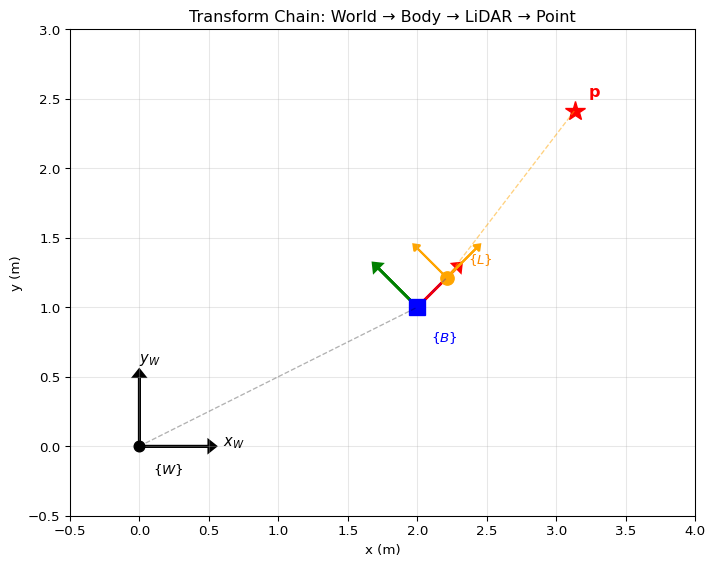
Example: LiDAR Point to World Frame
import numpy as npdef make_se2(theta, tx, ty):"""Create SE(2) transformation matrix.""" c, s = np.cos(theta), np.sin(theta)return np.array([[c, -s, tx], [s, c, ty], [0, 0, 1]])# Extrinsic: LiDAR is 0.3m forward of body origin, alignedT_BL = make_se2(0, 0.3, 0)# Robot pose in world: at (2, 1) with 45° headingT_WB = make_se2(np.pi/4, 2.0, 1.0)# A point detected by LiDAR at (1.5, 0.2) in LiDAR framep_L = np.array([1.5, 0.2, 1]) # homogeneous# Transform to world framep_W = T_WB @ T_BL @ p_Lprint(f"Point in world frame: ({p_W[0]:.3f}, {p_W[1]:.3f})")